Change Logo
You can configure custom organization logo based on erwin Mart Portal theme.
To change the application logo, follow these steps:
-
Go to Application Menu > Settings > Change Logo.
The Change Logo page appears.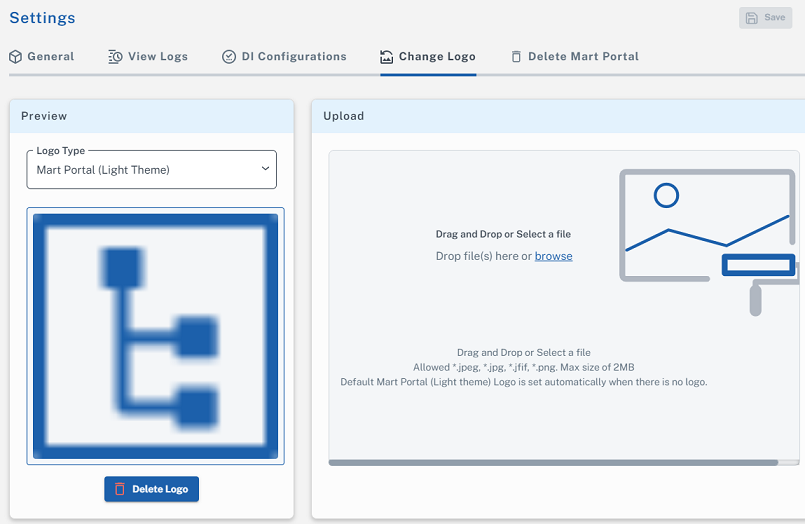
-
Under Logo Type, select the type of logo that you want to change.
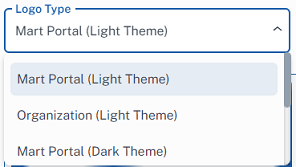
- Browse or drag and drop your logo in the Drag and Drop or Select a file area.
-
Click Save.