Delete Mart
As a mart portal administrator, you can delete Mart.
If you delete Mart, all your libraries, models, and the associated data will be deleted permanently.
To delete your mart, follow these steps:
-
Go to Application Menu > Settings > Delete Mart Portal.
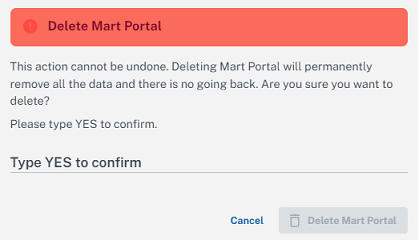
- Click Delete.
- Type YES and click Delete Mart Portal.
Mart is deleted and the Initialize Mart page appears.